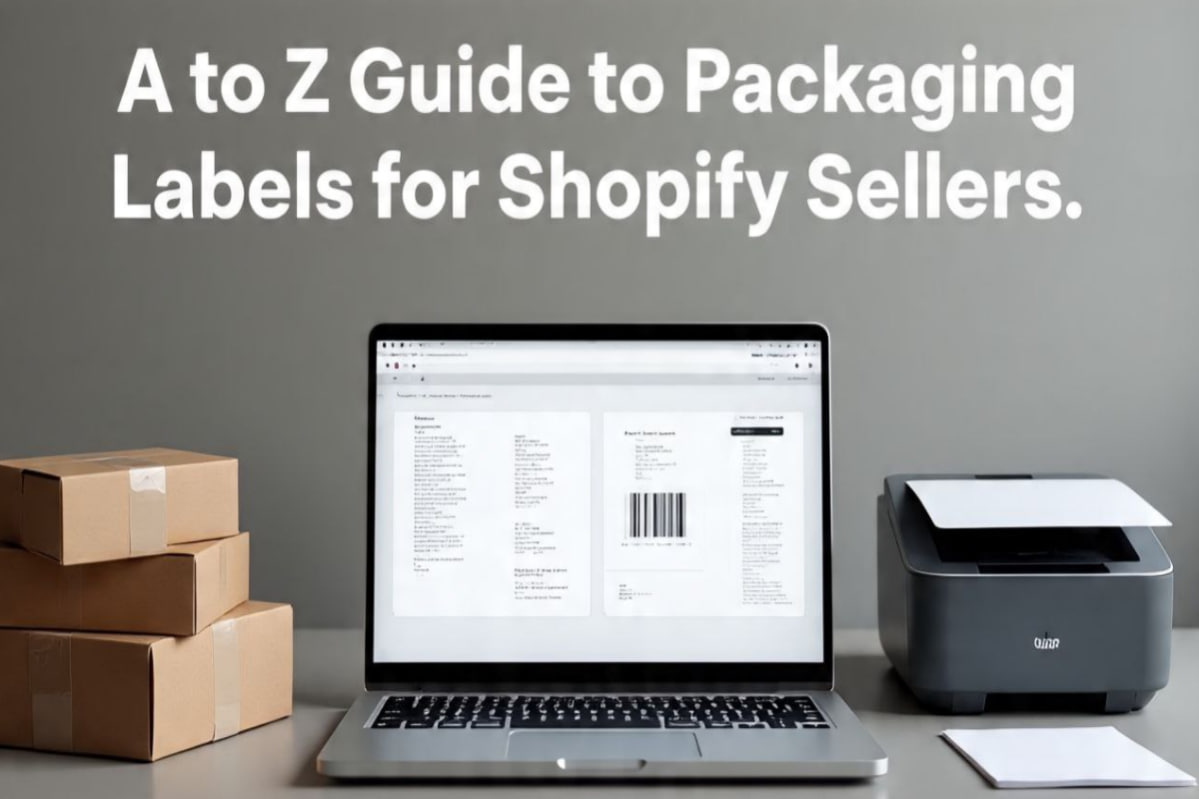
The Shopify Seller's Ultimate Guide to Packaging Labels: Shipping, Branding, and FBA
For a Shopify store owner, the package you ship is more than just a container for your product; it's a physical ambassador for your brand. The labels you place on that package are the first thing your customer sees, and they play a critical role in everything from logistics and delivery to branding and customer experience.
A comprehensive labeling strategy goes beyond just the shipping address. It involves a suite of labels that work together to ensure a smooth delivery, delight your customer, and streamline your operations. This guide will walk you through the three essential types of labels every Shopify seller should master: the Shipping Label, the Branded 'Thank You' Sticker, and the FBA Product Label (for those using Amazon FBA).
1. The Workhorse: The Shipping Label
The shipping label is the non-negotiable, functional core of your package. Its job is to get your product from your warehouse to your customer's hands safely and efficiently. While Shopify's own 'Shopify Shipping' service is a great, integrated way to purchase and print these labels, many sellers use external tools or need to generate labels for carriers not supported by Shopify. A compliant shipping label must contain several key pieces of information:
- Recipient's Full Address:
Complete and accurate, including apartment/suite numbers.
- Your Return Address:
Your logistical safety net.
- Tracking Barcode and Number:
The scannable code that enables real-time tracking.
- Service Level:
Indicates the shipping speed (e.g., 'Ground', 'Priority').
Printing Best Practices for Shopify Shipping Labels:
- Bulk Generation is Key:
Manually creating labels one by one is a major time sink. A tool like SmartLabelPrint allows you to export your Shopify orders as a CSV file and upload it to generate all your shipping labels in a single batch.
- Thermal is the Pro Choice:
While you can start with A4/Letter sticker sheets, upgrading to a 4x6 thermal printer is a game-changer for any serious Shopify store. It's faster, cheaper (no ink!), and produces more durable labels. Our tool fully supports the 4x6 thermal format.
2. The Brand Builder: The 'Thank You' Sticker
While the shipping label is for the courier, the 'thank you' sticker is for the customer. This small, affordable addition to your packaging has an outsized impact on brand perception and customer loyalty. It transforms a generic brown box into a personalized, thoughtful brand experience.
Why You Need Thank You Stickers:
- Humanize Your Brand:
A simple message like 'Handmade with care' or 'Your support means the world' creates an emotional connection and reminds customers there's a real person behind the store.
- Enhance the Unboxing Experience:
In the age of social media, a beautiful package is a shareable one. A well-designed sticker makes the unboxing feel special.
- Drive Repeat Business:
Include your website URL or a QR code linking to a special 'thank you' discount for their next purchase. This is a simple but powerful marketing tactic.
How to Create Them:
Use our free Thank You Sticker Maker. You can choose from round, square, or rectangular shapes, upload your logo, customize the colors to match your brand, and add your own unique message. You can then print hundreds of them on a single A4 sticker sheet from your home printer.
3. The Amazon FBA Essential: The FNSKU Product Label
If you're a Shopify seller who also leverages Amazon's FBA (Fulfillment by Amazon) program to store and ship your products, there is a third, absolutely critical label you must master: the FNSKU label.
- What is an FNSKU?
It stands for Fulfillment Network Stock Keeping Unit. It's Amazon's internal barcode that uniquely identifies your product *and* links it to your specific seller account.
- Why is it Different from a UPC?
When you send your products to an FBA warehouse, they are stored alongside identical products from other sellers. The FNSKU is the only thing that distinguishes *your* inventory from a competitor's. When a sale is made from your account, Amazon scans the FNSKU to ensure one of your units is picked.
- The Golden Rule:
The FNSKU label MUST be placed over any existing manufacturer's barcode (like a UPC or EAN). The FNSKU must be the only scannable barcode on the product's exterior packaging. Failure to do this is one of the most common reasons for FBA shipment rejections.
How to Print FNSKU Labels:
Amazon generates a PDF of your FNSKU labels during the FBA shipment creation process. You can print these onto standard A4/Letter sticker sheets (e.g., 30-up Avery labels). For higher volume, you can use a thermal printer combined with our Barcode Label Generator. Simply copy the FNSKU value into the generator to create individual thermal labels for faster application.
A Cohesive Labeling Strategy
By thinking about your packaging labels holistically—the shipping label for logistics, the thank you sticker for branding, and the FNSKU for FBA—you create a powerful, multi-layered system. This strategy ensures efficient delivery, builds a memorable brand experience, and maintains perfect compliance with demanding sales channels like Amazon FBA, setting your Shopify store up for scalable and sustainable success.